

How it works
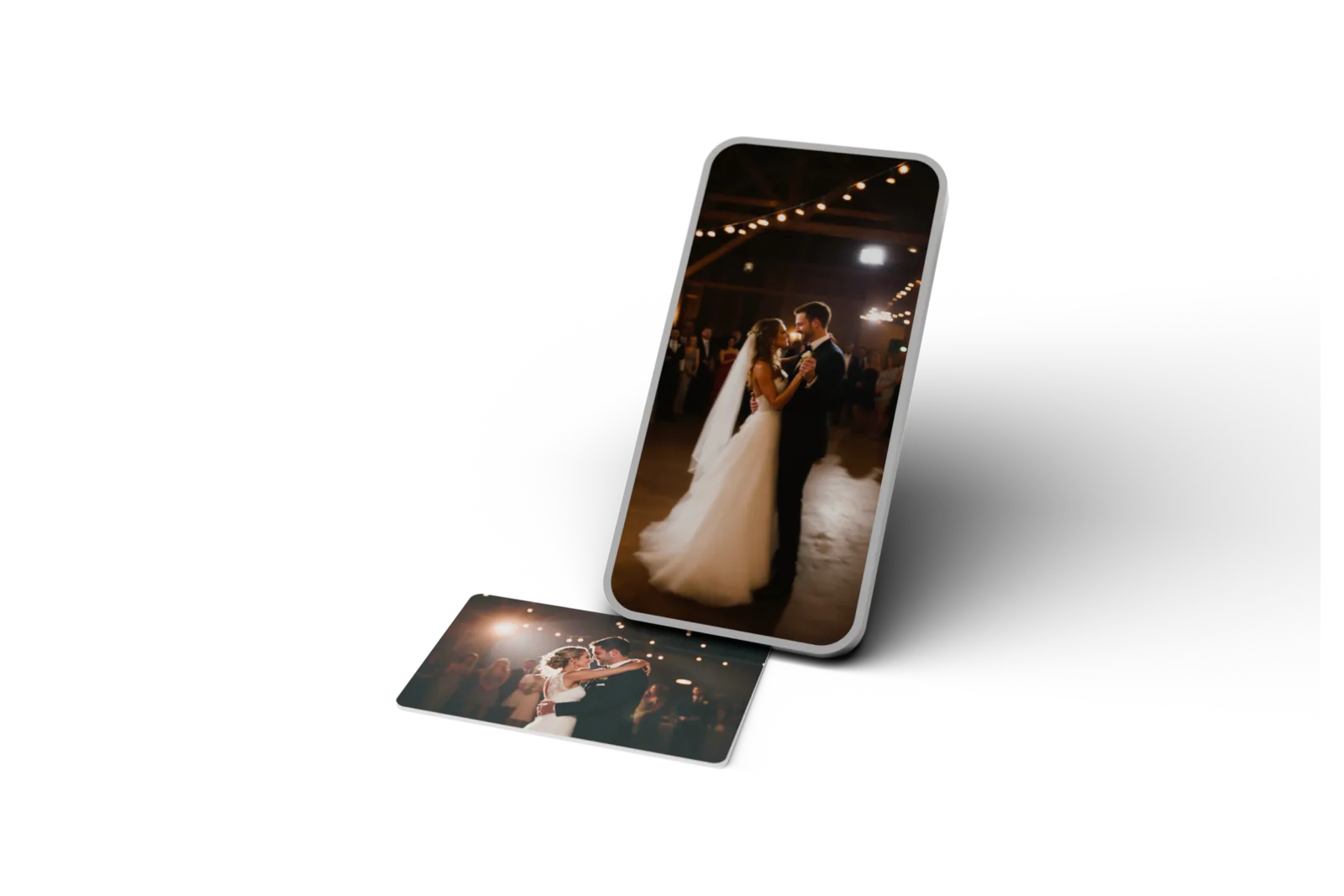
Hold a phone near it. The video plays.
There is a chip laminated inside the card. It holds a web address — nothing else — and the phone does all the work. That is the entire trick, and it is why there is no app to install and nothing for your guests to figure out.
Works on every phone since 2018 · shipped within 24 hours
Step by step
From your design to their first tap.
- 01
You design and order the card
Choose a material, personalize the front and back, and preview your design. You can check out without an account.
- 02
You add the memory; we make the card
Your order email helps you create or sign in to your free account. Add a video, audio, message, link, or page. We print or engrave your design and set up the chip while you choose the memory.
- 03
Somebody holds a phone near it
The top of the phone, an inch or so away. A notification appears; they tap it once.
- 04
The video plays
The page opens in the phone browser they already use and the video starts. They never install anything, never sign in, and never see an ad next to your first dance.
Your free Dote account
A home for what your card holds.
You need an account to add and manage memories. It keeps control of your cards with you. The people you give them to can open them without an account or an app.
- Make it personal
- Add a video, audio, a written message, a link, or your own page to a purchased card.
- Keep it up to date
- Change what a tap opens whenever you like. Your physical card stays the same.
- Choose who can see it
- Add a password to a memory. On an occasion page, collect guest photos and choose whether to approve them.
- Keep everything together
- Save unfinished designs, manage your cards, see tap counts, and follow your orders.
Design and order without signing in. Your order email also helps you get your account set up.
The technology, briefly
What NFC actually is
NFC stands for near-field communication. It is the same short-range radio your phone already uses for tap-to-pay, and it has been built into phones for over a decade. The chip in a card like this is passive: it has no battery and no clock, and it does nothing at all until a phone comes within about an inch and powers it with its own field.
What the chip stores is tiny — a single short web address, a few dozen characters. Your video is not on the card and never was; it lives on a page we host, and the card is just the doorbell. That is exactly why you can swap the video a year later and the card in somebody’s drawer starts playing the new one.
Why not a QR code?
A QR code needs a camera app, decent light, a steady hand and a square of black-and-white printed somewhere on your card. A tap needs none of those, and it leaves the front of the card entirely to your photograph. The trade is that very old phones cannot read a tap at all — see the questions below, where the honest answer is a no.
Is it safe to hand out?
The address written to the chip is fixed, and it only ever points at your own page. What that page shows is yours to control: leave it open, or put a password on it and we show nothing publicly — not the title, not the photograph, nothing. You can add or remove that at any time, including after the cards are in other people’s hands.
Questions
Everything else about the tap
Does the card need a battery?
No, and it never will. The chip has no power source of its own — the phone's own NFC field powers it for the fraction of a second it takes to read. There is nothing inside to run down, which is why a card still works in ten years.
Which phones can read it?
Every iPhone from the XR and XS (2018) onward reads a card with no app at all — hold it near the top of the phone and a notification appears. Older iPhones back to the 7 can read it, but only through a free NFC reader app. Virtually every Android sold in the last decade reads it natively, with NFC switched on.
Do they need to download an app?
No. The page opens in the phone’s browser. Your recipients need neither an app nor an account. You need a free Dote account to add or manage the memories on your cards; the link in your order email helps you set it up.
What if their NFC is switched off?
On an iPhone it cannot be switched off, so this only comes up on Android, where it lives in the quick settings panel. Most people have it on already because it is what makes tap-to-pay work.
Can someone read my card from across the room?
No. NFC works over roughly an inch. A card in a drawer, a wallet or a pocket cannot be read by anybody walking past — the phone has to be held against it.
Is there a QR code on the card as well?
No. We print a tap card, not both, because a QR code on the front would compete with your photograph. If some of your guests are on very old phones, the printed back that reads "Hold your phone here" costs nothing extra and is worth adding — and you can always send those people the link directly.
Can I change the video after the cards are printed?
Yes, as many times as you like, and the card never changes. The chip holds an address, not the video, so the same card can point at a new memory next year. Nothing gets reprinted.
Does it work without internet?
The tap works, but the video needs a connection to play — it streams, like any other web page. On a wedding day with poor signal, guests can tap it at the venue and watch it later; the notification is theirs to keep.
What happens if the chip fails?
Every card is tapped on a real phone before it goes in the box, which catches it before you ever see it. If one still fails, reply to your receipt and we replace it.
Keep reading
Easier to try than to explain.
Design one in four minutes and you will see the whole thing before you pay.
Make a card — from $30Ships in 24 hours · Free tracked shipping · Change the video any time